A customer returns two of the ten items they bought. Or you notice you charged ₹500 too little. The invoice has already gone out, so what now?
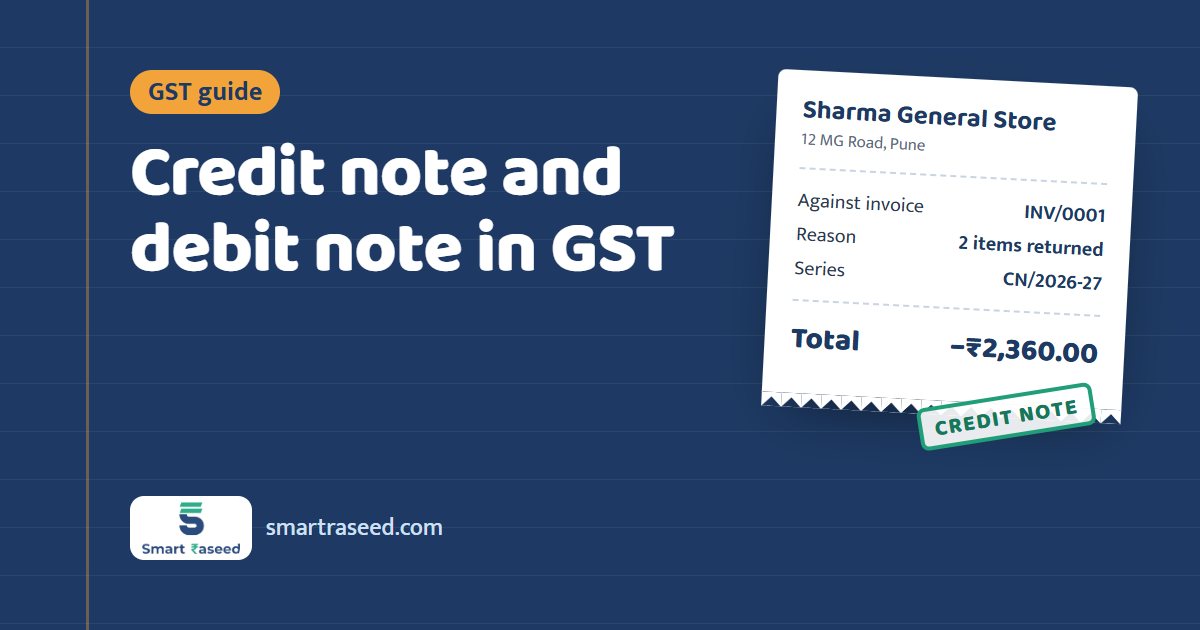
Under GST, you don't edit or delete an issued tax invoice. You issue a credit note or a debit note that refers to it. The rules are in section 34 of the CGST Act.
Credit note or debit note?
| Situation | Document | Effect |
|---|---|---|
| Goods returned by the customer | Credit note | Reduces the amount and the tax |
| Discount given after the invoice | Credit note | Reduces the amount and the tax |
| You charged too much, or the wrong tax rate (higher) | Credit note | Reduces the amount and the tax |
| Services were deficient and you agreed a refund | Credit note | Reduces the amount and the tax |
| You charged too little | Debit note | Increases the amount and the tax |
| The tax rate on the invoice was too low | Debit note | Increases the tax |
A simple way to remember it: a credit note gives the customer credit, and a debit note asks for more.
What a credit or debit note must show
Under Rule 53 of the CGST Rules, the note must include:
- Your name, address and GSTIN.
- The type of document: credit note or debit note.
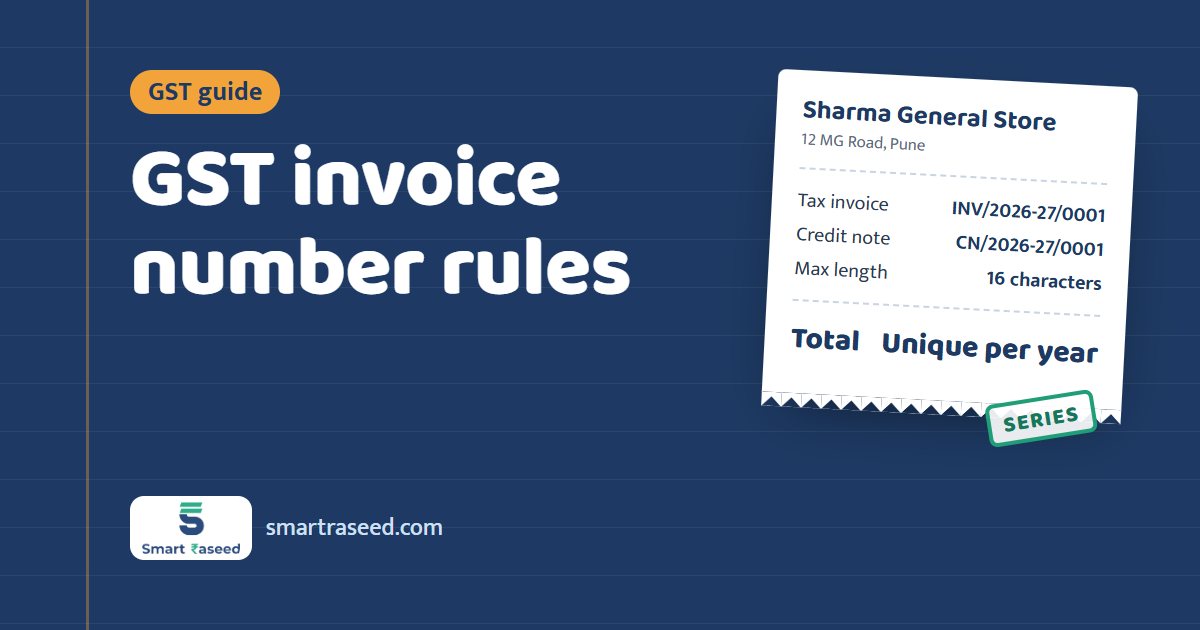
- A consecutive serial number of up to 16 characters, unique for the financial year.
- The date of issue.
- The customer's name, address and GSTIN (if registered).
- The number and date of the original tax invoice it corrects.
- The value, tax rate and tax amount being credited or debited.
- Your signature.
Keep credit notes and debit notes in their own number series, such as CN/2026-27/0001 and DN/2026-27/0001.
The time limit for credit notes
A credit note must be reported in your GST return by the earlier of:
- 30 November after the end of the financial year in which the original sale was made, or
- the date you file your annual return for that year.
For example, for a sale made in January 2027 (financial year 2026-27), the credit note must be reported by 30 November 2027 at the latest. After that you can still give the customer a commercial discount, but you can't reduce your GST.
Debit notes have no such deadline, but report them in the return for the month you issue them.
Can a credit note be more than the invoice?
No. Across all the credit notes against one invoice, the total can't be more than the invoice value. If a customer returns everything, the credit note equals the invoice. If the whole invoice was a mistake, cancel it instead (before reporting it in GSTR-1, if you can) and issue a fresh one.
Cancel, or issue a credit note?
- Cancel when the sale didn't happen at all, for example a wrong customer or a duplicate invoice. Keep the cancelled invoice in your records with its number; don't reuse the number.
- Credit note when the sale happened but the amount needs to come down.
Where they go in your GST returns
Credit and debit notes are reported in GSTR-1 (table 9B for registered customers), and their tax is adjusted in GSTR-3B for the month. Your customer sees them in their GSTR-2B.
Credit and debit notes in SmartRaseed
Open any tax invoice in SmartRaseed and tap Issue credit or debit note. Enter the amount including GST and the reason. The app:
- numbers it in its own series (
CN/orDN/), - prints "Against invoice INV/2026-27/0001 dated ..." on the PDF,
- splits the tax into CGST and SGST or IGST like the original,
- won't let a credit note exceed what's left on the invoice, and
- takes credit notes off your sales totals and analytics.
The original invoice stays locked and unchanged. If the whole invoice was wrong, tap Cancel document. It keeps its number and is stamped CANCELLED.