UPI is now the most common way customers pay at Indian shops. But when a customer shows you the green "Payment successful" screen, that's their confirmation, not your receipt, and it isn't always genuine.
The customer's screen isn't a receipt
The UPI success screen shows that the customer's app sent money. It doesn't show:
- what they bought,
- your business name and receipt number, or
- anything your accountant or a tax officer can match to your records.
For your records, and for customers who need proof (for office reimbursement, warranty or returns), give a proper receipt that says "Paid by UPI".
How to confirm a UPI payment before handing over goods
Fake payment screenshots and edited "success" screens are a common trick. Before the customer leaves:
- Check your own phone: the sound box, your UPI app's history, or your bank's SMS. Don't rely on the customer's screen.
- Match the amount and time. A screenshot of an old payment looks real.
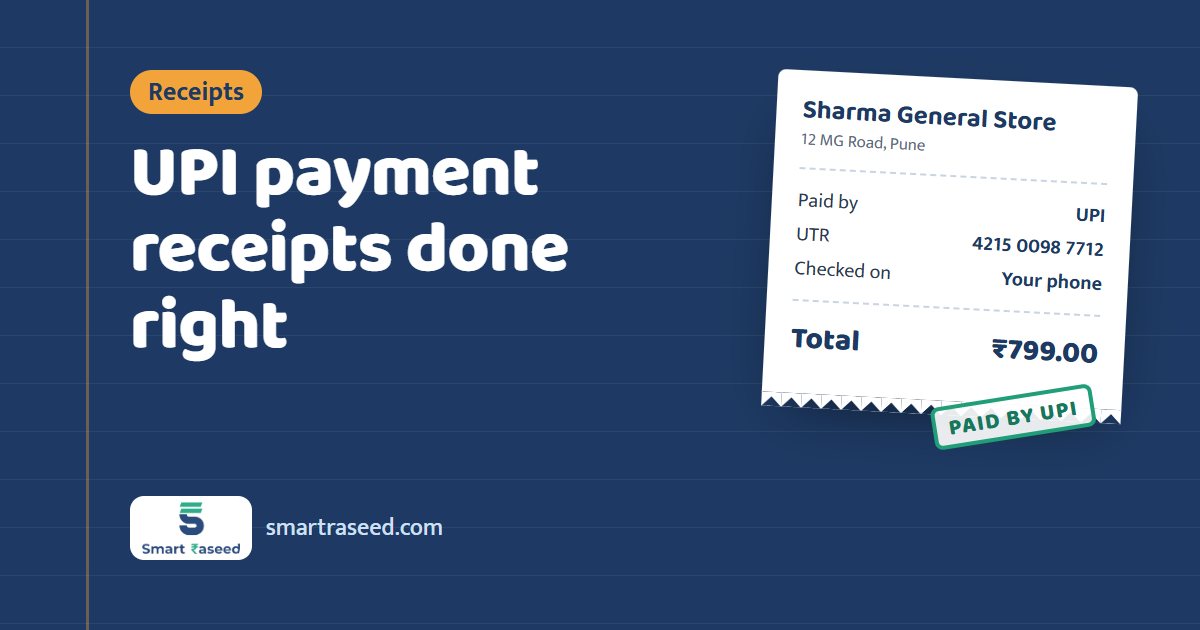
- Note the UPI reference number (UTR) for large amounts. It's a 12-digit number in the transaction details, useful if the payment is disputed.
- Watch for "pending". A pending payment can still fail; wait for it to complete.
What a UPI payment receipt should show
- Your business name and contact
- Receipt number and date
- Customer's name and phone number
- What was sold
- Amount in figures and words
- Payment method: UPI, and the UTR for large payments
Showing a QR code for the exact amount
A printed QR sticker makes the customer type the amount, and mistakes happen. A dynamic UPI QR made for the exact bill amount opens the customer's UPI app with the amount already filled in. That means fewer errors and less waiting at the counter.
Doing it in SmartRaseed
Add your UPI ID to your business profile once. Then, for any receipt in SmartRaseed:
- Tap Collect payment via UPI. The app shows a QR for the exact amount that any UPI app can scan.
- Once the payment appears on your phone, save the receipt with UPI as the payment method.
- Share the receipt PDF on WhatsApp.
Your dashboard and analytics then show how much of the day's sales came by UPI and how much in cash. That helps when you match your bank statement at month end.
Related: Cash receipt format for cash sales.